
Resellable Booking Software
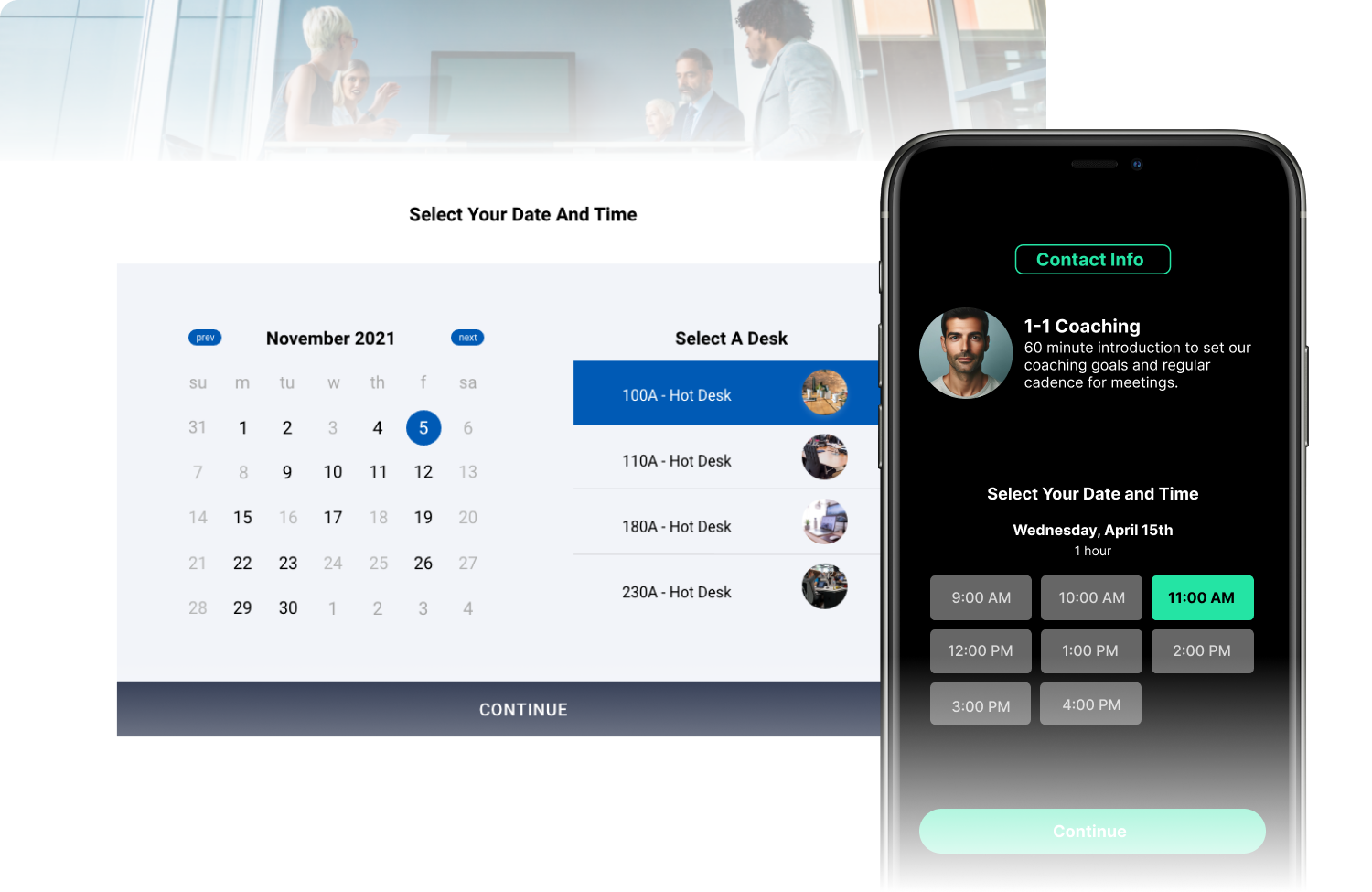
For digital, marketing, and development agencies, the project-based revenue model is an unpredictable cycle. You pitch, build, launch, and then immediately hunt for the next contract. To scale sustainably, successful agencies must convert single web design or digital transformation projects into long-term retainer accounts and software-style monthly recurring revenue (MRR).
The challenge? Creating a proprietary SaaS product from scratch requires hundreds of thousands of dollars in upfront capital and a dedicated engineering team.
White-label infrastructure changes this dynamic completely. By embedding an enterprise-grade booking engine into your client deliveries under your own brand, you can package high-value scheduling software as a premium monthly service. Here is the operational playbook for structuring, pricing, and scaling white-label booking solutions across your client roster.
1. Packaging Scheduling as a Premium Client Add-on
Every appointment-based client—whether they are a multi-location franchise, a medical clinic, a professional services firm, or a luxury wellness brand—faces the exact same problem: converting website traffic into booked, confirmed revenue.
When you bundle scheduling infrastructure directly into your core agency web builds, you shift from being a commoditized service provider to an essential operational partner.
Three Ways to Package White-Label Scheduling
-
The Turnkey Conversion Package: Market and sell scheduling as a conversion rate optimization (CRO) upgrade during a new website build or redesign. Instead of sending traffic to an off-brand, third-party link, you build a custom booking experience directly into their native site architecture.
-
The Operational Transformation Retainer: For existing clients running on fragmented, paper-based, or siloed calendars, offer a migration service to transition them to a unified enterprise booking platform. Package this alongside your ongoing technical maintenance contracts.
-
The Local Franchise Growth Bundle: Target multi-unit and franchise brands by offering automated local sub-domain booking portals paired with localized SEO and marketing services.
2. Setting Up Markup Pricing & Defining Your Margin
The beauty of white-label infrastructure is that you own the customer relationship, the billing infrastructure, and the final price tag. Periodic functions as an invisible utility layer, allowing you to establish predictable, high-margin software pricing tiers for your clients.
  [ Your Cost (Periodic Infrastructure) ] ──► Low, fixed wholesale tier rate
                    │
                    ▼
  [ Your Custom Value-Add Layer ]         ──► Custom branding, setup, & maintenance
                    │
                    ▼
  [ Your Client's Monthly Cost ]          ──► Premium retail price ($150 - $500+/mo)
                    │
                    ▼
  [ YOUR FIXED MRR MARGIN ]               ──► 60% to 80% net recurring profit
Proven Pricing Frameworks for Agencies
| Pricing Strategy | How It Works | Ideal For |
| The Fixed SaaS Markup | You purchase wholesale booking infrastructure from Periodic and bill the client a marked-up SaaS subscription fee (e.g., your cost is $30/location, you bill the client $120/location). | Multi-location franchises or vertical-specific SaaS clients. |
| The Value-Bundled Retainer | You absorb the underlying platform license cost into a larger, premium monthly marketing or management retainer (e.g., $1,500/month for SEO, hosting, content, and scheduling infrastructure management). | High-value, single-unit service businesses (law firms, medical spas). |
| The Booking Success Fee | Charge a lower baseline monthly SaaS subscription, but include a small variable transaction fee for every successfully completed booking processed through the portal. | High-volume ticket or experiential booking clients. |
3. Managing Multi-Tenant Client Dashboards: The Single Pane of Glass
As your agency onboarding scales from 5 to 50+ clients, managing individual instances manually becomes an operational bottleneck. To remain highly profitable, your team must utilize a structured, multi-tenant administrative architecture.
                      ┌─────────────────────────┐
                      │    Agency Master Core   │
                      │  (White-Label Admin)    │
                      └────────────┬────────────┘
                                   │
         ┌─────────────────────────┼─────────────────────────┐
         ▼                         ▼                         ▼
┌─────────────────┐       ┌─────────────────┐       ┌─────────────────┐
│ Client Account A│       │ Client Account B│       │ Client Account C│
│ (Custom Domain) │       │ (Custom Domain) │       │ (Custom Domain) │
│ [x] Franchise A │       │ [x] Law Firm B  │       │ [x] MedSpa C    │
└─────────────────┘       └─────────────────┘       └─────────────────┘
Periodic’s agency dashboard framework gives your development and support teams a unified control tower to oversee your entire client ecosystem efficiently:
-
Programmatic Client Provisioning: Use the admin API to instantly generate a new, fully isolated client tenant space the moment a client signs a contract or buys a package on your agency site.
-
Total Tenant Data Isolation: While your technical team can access all client profiles from a centralized master agency login, your individual clients can only see their own dashboard, calendars, customer data, and integrations. There is zero risk of data bleeding between accounts.
-
Centralized Integration Controls: Easily manage global webhooks, payment gateway links (like Stripe Connect), and transactional email deliverability systems (DKIM/SPF whitelists) across all client portals from a single interface.
4. Keeping the Tech Layer 100% Headless and Invisible
Top-tier agencies don’t use standard cookie-cutter iframe widgets. They use an API-first approach to build tailored, premium digital experiences that keep users engaged throughout the entire checkout journey.
Using Periodic’s developer-first framework, your agency can build completely custom front-end booking flows using your clients’ exact design tokens, typography, and layout preferences.
The end consumer sees an elegant, high-converting checkout sequence completely native to the client’s brand. Your client sees a sophisticated platform delivered and managed entirely by your agency. Meanwhile, Periodic works quietly in the background—handling the complex multi-resource availability logic, time-zone syncing, and security parameters.
Agency Growth & MRR Assessment Checklist
If your agency is ready to stop relying solely on project-to-project billing, evaluate your current portfolio against these monetization metrics:
-
[ ] How many of your active or past clients rely on appointments, reservations, or labor scheduling to generate revenue?
-
[ ] Are you currently passing up long-term revenue by letting clients buy their own individual, unbranded scheduling accounts?
-
[ ] Can your development team deploy a fully branded, multi-location booking engine for a client in under a week?
-
[ ] Do you have a clear software-style upgrade to offer clients once their core website design project goes live?
One brand.
Many locations.
Finally in sync.
Your Title Goes Here
Your Title Goes Here
Your Title Goes Here
Automate all of your business operations
Every feature was designed with multi-location operations in mind–not bolted on afterward.
Your Title Goes Here
Your Title Goes Here
Your Title Goes Here
Your Title Goes Here
5 to 5k
Description
5 to 5k
Description
5 to 5k
Description
5 to 5k
Description
Brands that run on Periodic
Your Title Goes Here
Your Title Goes Here
Your Title Goes Here
Ready to bring your brand experience in line?
Talk to our team to learn more about building your brand experience with Periodic’s booking platform.